Update: Import your LogTen Flights

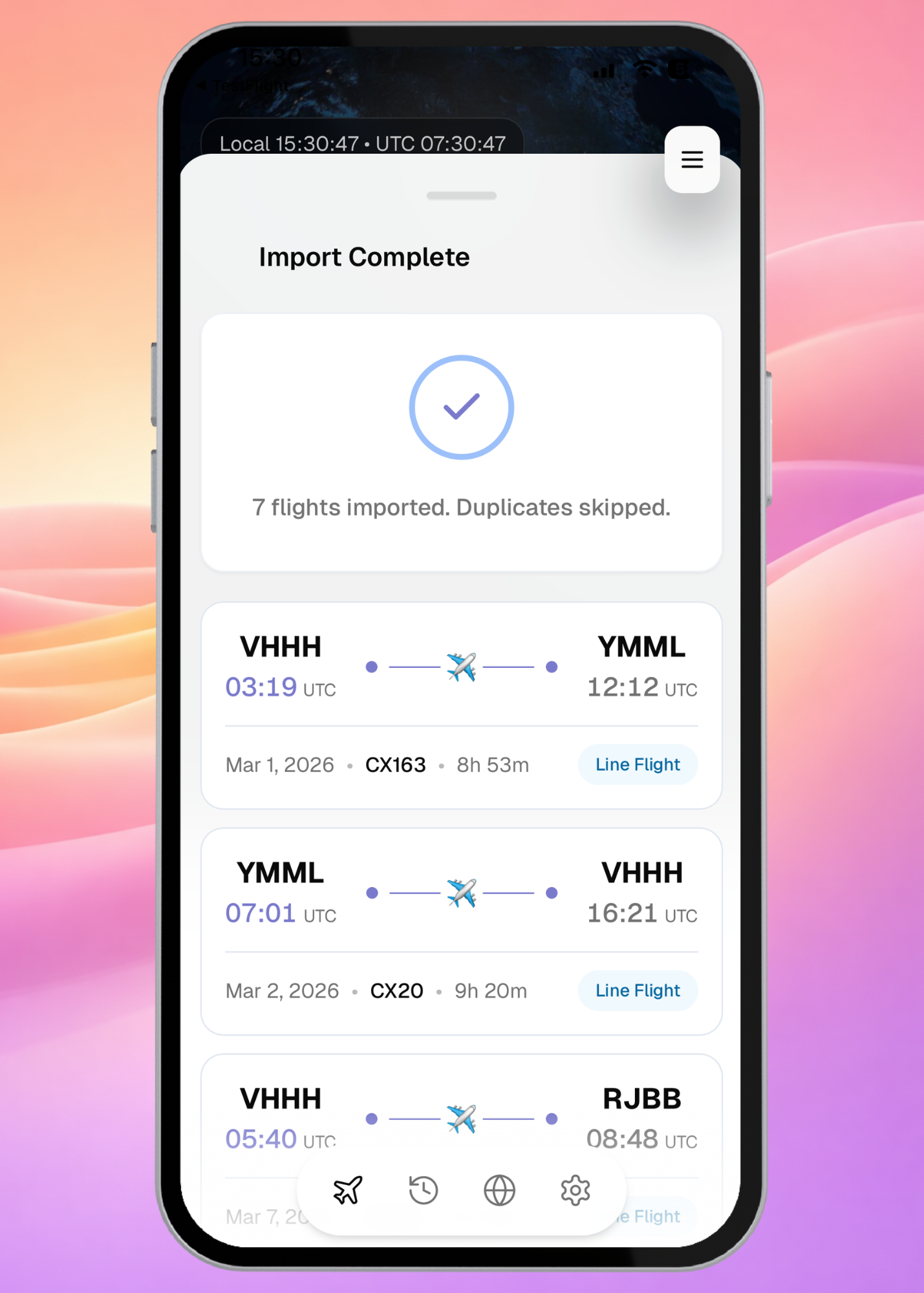
This update is one we've been looking forward to shipping. If you've been flying with LogTen Pro, you've spent years building a complete record of your career, and we didn't want you to leave any of it behind when you made the switch.
LogTen Pro Import is now live.
Export your data from LogTen Pro as a CSV, drop it into Aviato's import assistant, and your full flight history will be all in one place. Aviato will handle applying the correct rules, and day/night splits automatically.
How to import your LogTen Pro data
- In LogTen Pro, export your logbook as a CSV file
- In Aviato, go to Profile → Import Data
- Drop in your file and follow the import assistant
Your totals, your hours, your full history. All of it carries over, accurate and ready to use from day one.
Update Required
To access the latest import flow and improvements, make sure you're running the most recent version of Aviato.